Work Marketing site and support
PT PRO
- Services
- Marketing site, Help centre, AI assistant, Integrations, MCP
- Year
- 2026
PT PRO builds the app. We built everything around it.
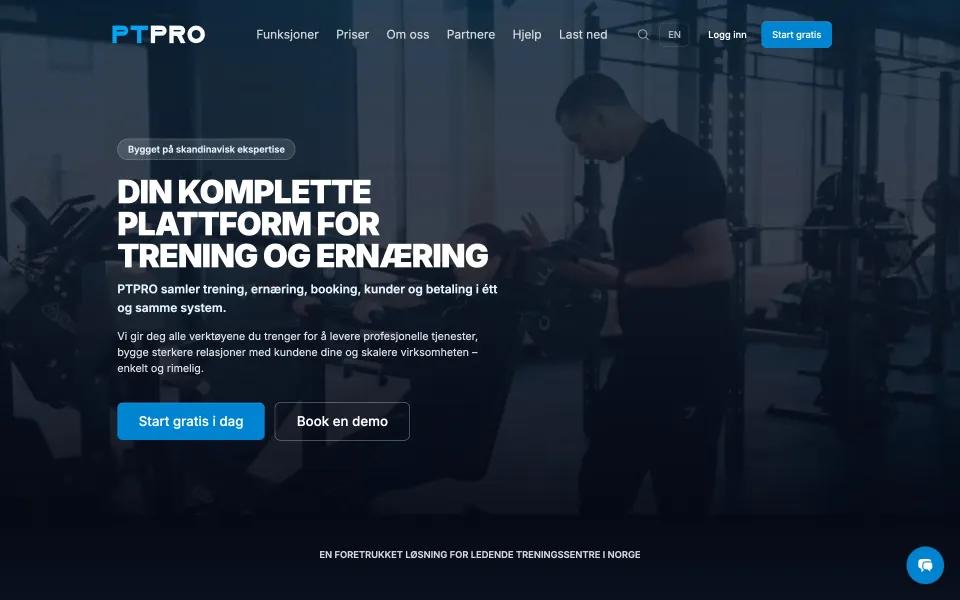
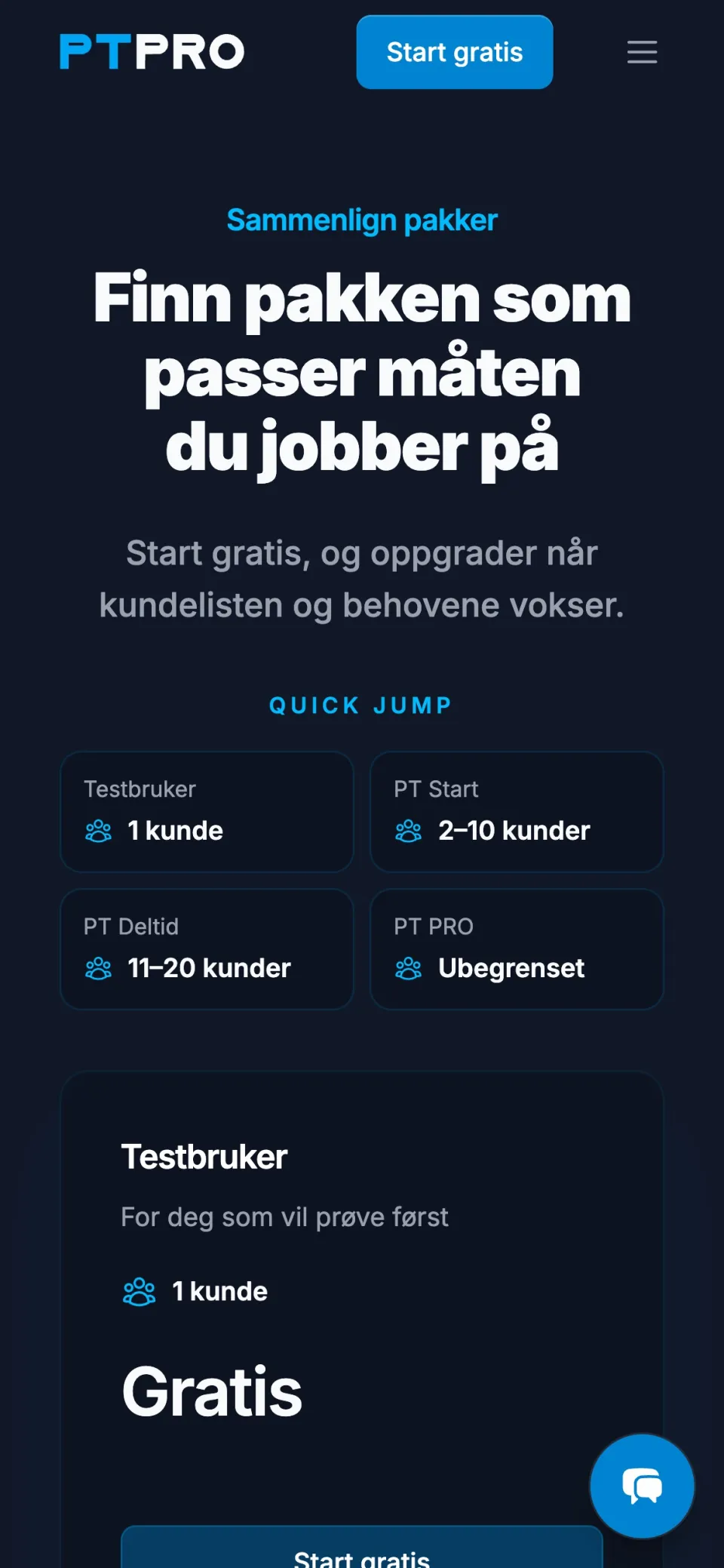
PT PRO makes the app personal trainers run their business in. We made the site that sells it, the help centre and the assistant that answer its customers, and the tools PT PRO's own people run it all with.
Where it started
Sales and support lived in different places
The guides were in Notion. Demos were booked in one tool, questions came in through a form, and the website knew about none of it. The same questions were answered by hand, again and again.
PT PRO needed one place where a trainer finds an answer, asks a question or books a demo, and where their own team sees all of it.
What we built
One system for sales and support
-
Answers people can find
Before: the guides were in Notion, and nobody could search them from the site.
Now: every guide and question is in a help centre on ptpro.no, with one search across all of it.
-
An assistant that knows the guides
Before: the same questions, answered by a person every time.
Now: the assistant answers from PT PRO's own guides and prices, links to where it found the answer, and asks a newcomer what they need.
-
A person, when it takes one
Before: a conversation that needed a person had to start over somewhere else.
Now: the team sees who asked, what they asked for and the whole conversation, and answers from the same page. The assistant steps aside the moment a person writes.
-
A demo booked in three taps
Before: finding a time for a demo was its own conversation.
Now: a trainer picks a time that is free in the team's Google calendars, gets a meeting link, and the demo lands with the colleague who has had the fewest lately.
Behind the chat
What happens when someone
Asks how to do something
Chat on ptpro.no
How do I connect Stripe so my clients can pay by card?
The reply
Open Payments in the app and choose Connect Stripe. Stripe asks for your business details and sends you back when it is done.
Every step is in the guide: Connect Stripe
The assistant on ptpro.no
-
Understood
- Language
- English
- Wants
- To do something in the app
-
Searched by meaning, not by word
- Best match
- The guide Connect Stripe
- Also
- Two answers from the FAQ
-
Read the guide
- Takes
- The steps that matter
- Never
- Guesses a step or a price
-
The help centre
Every guide and question, in three languages
- Searches the guides
- Reads the guide
In the same chat, in the language they wrote in, with a link to the guide.
Wants a demo
Chat on ptpro.no
Can someone show me how this works for a studio with several trainers?
Who should we ask for?
Name
Send
Pick a time for the demo
09:30 11:00 14:00
Book
The reply
You are booked. The meeting link is on its way to your e-mail.
The assistant on ptpro.no
-
Understood
- Who
- Not a customer yet
- Wants
- To see the app
-
A short form, in the chat
- Asks for
- Name and e-mail
- Saved as
- A lead for the team
-
Checked the team's calendars
- Shows
- Only times that are free
- Host
- The colleague with the fewest demos lately
-
Leads
Everyone who has asked, for the team to follow up
- Asks who they are
-
The team's calendars
When each colleague is free, and who had the last demo
- Finds free times
A booking card in the chat. Nobody writes back and forth to find a time.
Needs a person
Chat on ptpro.no
I think I was charged for two subscriptions this month. Can you fix it?
A person from the team is joining
In the same chat
Hi, I am on the PT PRO team. I have read the conversation and I am looking at it now.
The assistant on ptpro.no
-
Understood
- About
- Their own account and a payment
- Rule
- The assistant cannot see accounts, and never promises a refund
-
Handed to the team
- With
- The whole conversation
- Notice
- To the team, at once
-
Answered from the admin
- Sees
- Who asked, and everything said
- The assistant
- Steps aside when a person writes
-
The team's inbox
Chats, leads and requests in one place
- Hands over
- A person takes over
The customer does not have to explain it twice.
Support
A request that arrives complete
Before: a support request with too little in it cost two more e-mails before anyone could help.
Now: the form suggests the guides that may answer it first. If none does, it asks for what the team needs, takes screenshots, and gives the customer a page of their own to follow the answer on.
Below: one request that a guide answers, and one that goes to the team.
Answered by a guide
Support on ptpro.no
My client cannot see the programme I sent her.
Did this solve it?
On the page
Good. Nothing was sent, and nobody had to answer.
The support form on ptpro.no
-
The guides are searched before anything is sent
- Looks in
- Guides and answered questions
- Shows
- Up to three that may answer it
-
One of them answers it
- The customer
- Reads the guide on the spot
- Says
- Yes, that solved it
-
The help centre
Every guide and answered question, searched by word and by meaning
- Guides are searched
All that is kept is a count of how many were solved this way.
Sent to the team
Support on ptpro.no
The app closes when I open a client's programme.
Technical help
Device
What you did before it happened
Send
The answer
Hi, thank you for the screenshots. We can see what happens, and we are on it.
The support form on ptpro.no
-
The guides are searched first
- Shows
- The guides that come closest
- This time
- None of them solves it
-
Asked for what the team needs
- Asks for
- Device, app version and when it started
- Takes
- Up to five screenshots
-
Saved, and sent where its topic goes
- Gets
- A reference, and a confirmation by e-mail
- Carries
- The page it came from, and the guides it was shown
-
Answered by a person
- Sees
- All of it at once, screenshots included
- A draft
- Suggested from the guides, sent only by a person
-
The help centre
Every guide and answered question, searched by word and by meaning
- Guides are searched
-
Support routes
Where each topic is sent: an inbox, or another system
- Is sent on
-
The team's inbox
Chats, leads and requests in one place
- A person answers
Nobody had to write back to ask which device it was.
MCP
Run all of it by asking
Before: a help centre, a chat, leads, bookings and three languages mean many screens and many clicks.
Now: PT PRO's team connects their own AI assistant to the site. 113 tools let it do what they can do in the admin. Every change is shown before it is made, and logged in their name.
A second, public server gives read access to the help centre. PT PRO's own app uses it, so the assistant inside the app answers from the same guides as the website.
Below: three things the team asks for, and what the server does with each.
Translate a guide
PT PRO's team, in their own AI assistant
Translate the new guide to English and Swedish.
Back in the assistant
Both drafts are ready to read. Nothing is published until you approve them.
The staff server on ptpro.no
-
Signed in as themselves
- Who
- One of PT PRO's team
- May
- What they may do in the admin, nothing more
-
Two translations drafted
- Checked against
- PT PRO's own terms
- Saved as
- Drafts, not published
-
Shown before anything is public
- Would change
- One guide, in two more languages
- Needs
- A person to approve each one
-
Roles and permissions
What each person may do in the admin
- Is recognised
-
The help centre
Every guide and question, in three languages
- Drafts
-
The log
Every change, and who made it
- Shows it first
Logged in their name, like everything else they change.
Who is waiting?
PT PRO's team, in their own AI assistant
Who is waiting for an answer?
Back in the assistant
A list of the people who are waiting, with what each of them asked for and a link to answer from.
The staff server on ptpro.no
-
Signed in as themselves
- Who
- One of PT PRO's team
- May
- What they may do in the admin, nothing more
-
Looked across the inboxes
- Chats
- Conversations with no reply yet
- Leads and support
- Requests that are still open
-
Roles and permissions
What each person may do in the admin
- Is recognised
-
The team's inbox
Chats, leads and requests in one place
- Looks everywhere
Only a read. Nothing was changed.
What do people search for?
PT PRO's team, in their own AI assistant
What did people search for this week?
Back in the assistant
The searches that found nothing, the most asked first. That is the next guide to write.
The staff server on ptpro.no
-
Signed in as themselves
- Who
- One of PT PRO's team
- May
- What they may do in the admin, nothing more
-
Read the help centre's searches
- Looks for
- Searches that found nothing
- Means
- A guide that is missing
-
Roles and permissions
What each person may do in the admin
- Is recognised
-
The help centre's searches
What visitors typed, and whether it found anything
- Reads the searches
The team can ask it to draft that guide next.
What changed
What we solved for PT PRO
The site, the help centre, the assistant, the booking and the inbox are one system now. A guide is written once and reaches all of it.
- Customers find answers themselves
- Common questions are answered at once
- Every chat, lead and request in one place
- Demos land in the right calendar
- One guide feeds the site, the assistant and the app