Work Website and CRM
AFPT
- Services
- Website, Sign-up and checkout, CRM, AI chat, MCP
- Year
- 2005
With one school since 2005, every step of the way.
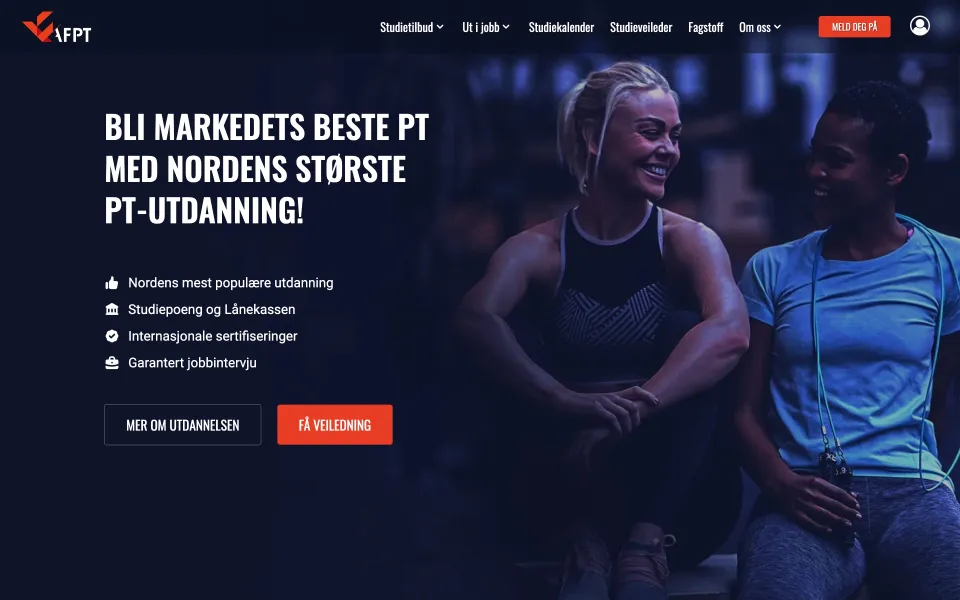
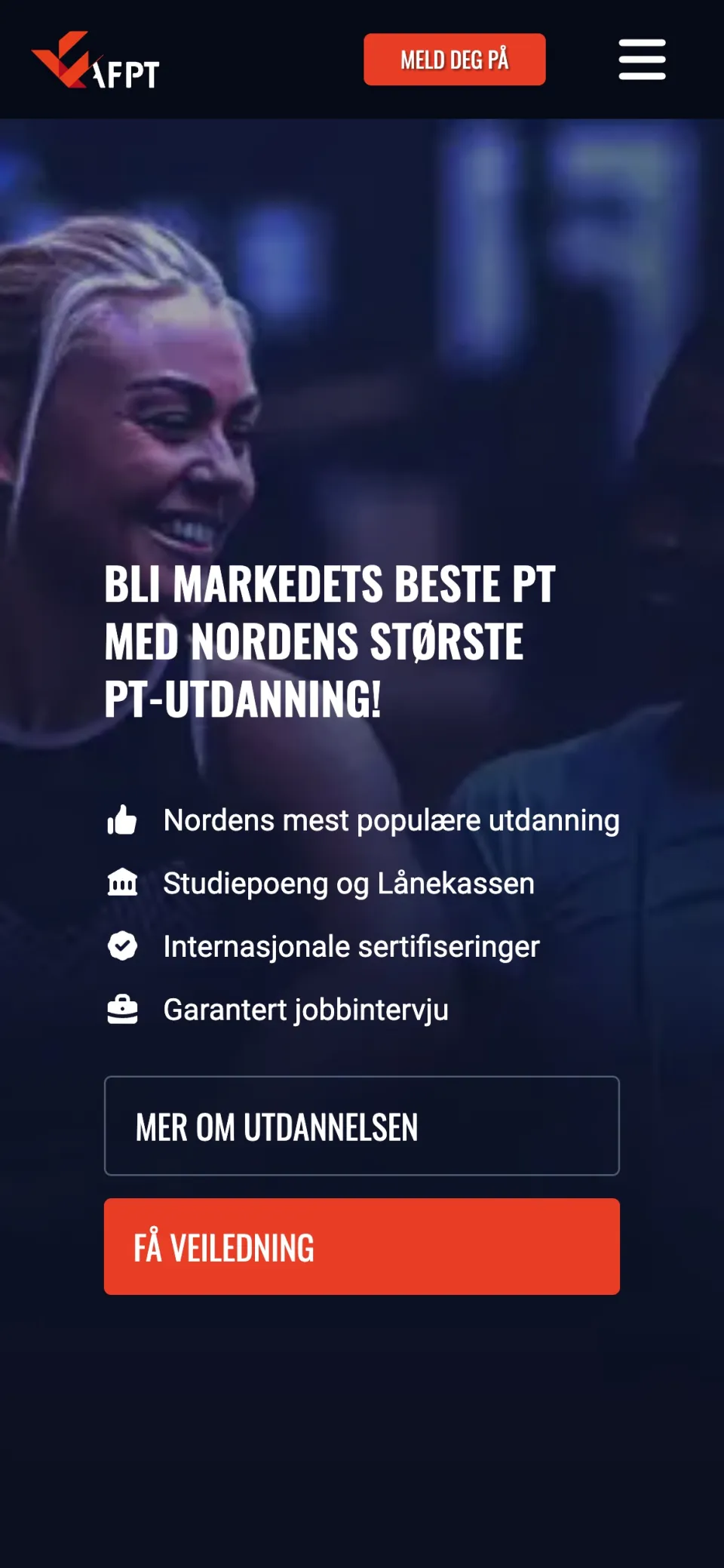
AFPT educates personal trainers, and we have been with them from the start in 2005. The school has grown and changed since then, and what we build for it has changed with it. The website has been rebuilt more than once. The one that runs today we built in 2019 and have kept building since: the studies, the sign-up, the student pages. Then we built the CRM behind it, where everyone who asks, signs up or registers ends up in one place.
Since 2005
The same partner the whole way
-
2005
The first website
AFPT opens, and we build the site it starts with.
-
The years between
New sites as the school grew
Each one replaced the last as AFPT added studies and students.
-
2019
Built again
The site that runs today: studies, sign-up and checkout in one place.
-
Today
A system behind the site
The CRM, the chat assistant, and the tools the staff run from their own AI assistant.
Where it started
A site that sold, and tools that did not talk
The website did its job: people found a study and signed up. What happened around it was spread out. Chat was in one bought-in tool, webinar registrations in another, forms in a third, and sales and support worked from an older admin system.
Nobody could see one person's whole story. And a lot of what followed a sign-up was done by hand.
The website
From curious to signed up
-
Every study, with what it costs
The need: someone choosing an education wants the whole picture before they talk to anyone: what it contains, where it runs, what it costs and how it can be paid.
What we did: each study has a page that answers all of it: the price per month, the ways to pay, the next start and the places it runs. The staff keep it up themselves.
-
A sign-up that asks one thing at a time
Before: signing up for a year of education meant facing every choice at once: where to start, which package, which extras, how to pay.
Now: a guided path takes it one question at a time and recommends a way to pay from what you answer. If you stop halfway, a link takes you back to where you were.
-
Every start, in one calendar
The need: the studies start in many towns through the year, each with its own practical weekends and exams. Someone planning a year needs to see what starts near them, and when.
What we did: one calendar holds every start, course and exam. Pick a town and a study, and what is left is your own plan, with sign-up one step away.
Behind the website
One person, one timeline
Before: a person who had chatted, joined a webinar and started a sign-up was three people in three tools. An adviser had to piece them together before picking up the phone.
Now: whatever a visitor does and wherever they do it, the website and the school's other apps send it to one CRM we built for AFPT. Each person has one timeline, and the adviser's day starts with a list of who to call and why.
Below: one visitor's week, and where she ends up on the adviser's list.
Ingrid, a visitor on afpt.no
What does the Personal Trainer study cost, and when does it start?
Register for the webinar
Name
Register
She leaves the sign-up before the last step
From an adviser
Hi Ingrid. You asked about Personal Trainer and started signing up. Here is the link back to where you stopped.
AFPT's CRM
-
The chat lands on her timeline
- Known by
- Her e-mail address
- Kept as
- A conversation on her timeline
-
The webinar lands on the same timeline
- Matched on
- The same e-mail, so she is one person
- Adds
- A registration on her timeline
-
A sign-up left halfway is noticed
- Waits
- 45 minutes, in case she finishes
- Then
- A lead, with a link back to where she stopped
-
Follow-up starts by itself
- Starts
- The sequence for a sign-up that stopped
- A team
- Is given the lead by itself
-
On the adviser's list, with the reason
- Reason
- Left a sign-up halfway
- Beside it
- The chat and the webinar, in order
-
Bento
The e-mail tool. The contact is kept in step there
- Gets a timeline
-
BigMarker
Runs the webinar. The registration is passed on to it
- Thursday: a webinar
-
Sveve
Sends the text messages. E-mail goes through Bento
- Follow-up starts
-
My day
What each adviser should do today: tasks, meetings, chats and people to contact
- Reaches an adviser
The adviser saw who to contact, and why, without piecing three tools together.
The chat
An assistant the staff can correct
The need: questions about the studies come in at all hours, and most of them have an answer in AFPT's own material. The chat tools the site had used could not read it.
What we did: the chat on afpt.no now answers from what AFPT has written, and hands over to an adviser with the conversation attached. Every change to how it answers is saved and measured, and can be rolled back. It suggests its own improvements; a person approves them.
Work that stopped being done by hand
-
Study access
-
Staff used to open each student's access after reading through the sign-up. It opens by itself now, on the day the cancellation period ends.
-
The practical exam
-
Examiners filled in a paper form that was typed in afterwards. They score on a tablet now, the grade is worked out, and the student signs on the screen.
-
Sign-ups left halfway
-
A sign-up someone started and left got no follow-up. An adviser hears about it now, with a link that takes the person back to where they stopped.
Run by asking
The CRM, from the assistant they already use
The need: a system that holds this much has a screen for everything, and a new adviser should not have to learn all of them to do the job.
What we did: everything the CRM can do is also a tool for an AI assistant. Staff ask in their own words. Anything that changes something is shown first and done only after a yes.
Below: three things an adviser asks, and what the server does with each.
What is on my plate
An adviser at AFPT, in their own AI assistant
What is on my plate today?
Back in the assistant
Your day in one list: what is overdue, today's meetings, the chats that wait, and the people who showed interest since yesterday.
The CRM's server for staff
-
Signed in as themselves
- Who
- One of AFPT's advisers
- May
- What they may do in the admin, nothing more
-
The day, gathered from the CRM
- Reads
- The same list the adviser has on screen
- Leaves out
- What they have no access to
-
Roles and permissions
What each person may do in the admin
- Is recognised
-
My day
Tasks, meetings, waiting chats and people who showed interest
- Gathers the day
Only a read. Nothing was changed.
Who to call first
An adviser at AFPT, in their own AI assistant
Who should I call first?
Back in the assistant
A list of who to call, each with the reason: left a sign-up, watched a webinar, answered an e-mail.
The CRM's server for staff
-
Signed in as themselves
- Who
- One of AFPT's advisers
- May
- What they may do in the admin, nothing more
-
The newest signs of interest
- Orders by
- The newest signal first
- Leaves out
- Anyone a colleague has already reached
-
Roles and permissions
What each person may do in the admin
- Is recognised
-
Buying signals
Who left a sign-up, watched a webinar or answered a message
- Reads the signals
Only a read. Nothing was changed.
This autumn against last
An adviser at AFPT, in their own AI assistant
How is this autumn going against last year?
Back in the assistant
Sign-ups per study this autumn, beside the same weeks last year.
The CRM's server for staff
-
Signed in as themselves
- Who
- One of AFPT's advisers
- May
- What they may do in the admin, nothing more
-
The same weeks, a year apart
- Compares
- This period with the same one last year
- Returns
- Totals, never a person
-
Roles and permissions
What each person may do in the admin
- Is recognised
-
The reports
Sign-ups and sales, from the same records the advisers work in
- Compares the periods
Straight from the records the advisers work in.
What changed
What we solved for the school
The website still sells the studies. What is new is that the school can see everyone it is talking to, and that the routine work around a sign-up happens without anyone doing it.
- One timeline for every person
- Advisers start the day knowing who to call
- The chat answers from AFPT's own material
- A sign-up asks one thing at a time
- Access opens without anyone opening it
- The site keeps selling if the system behind it is down